
01
Scope the desktop need
We confirm desktop is genuinely the right surface and list exactly what the app must reach on the machine. If a web app would serve you better, we say so before you spend anything.
$100 for you + $100 for themReferral program
Refer a company — $100 in account credit for you and $100 for them.Referral program
Loading this page. This should only take a moment.
The quote names supported operating systems, local capabilities, signing, installation, updates, rollout, monitoring, and maintenance.
The quote names supported operating systems, local capabilities, signing, installation, updates, rollout, monitoring, and maintenance.
Recommended stack
Desktop builds use a signed cross-platform shell with TypeScript and Node for local workflows. Postgres, managed data services, and queues appear only when the application needs accounts, synchronization, or centrally managed updates.
 TypeScriptLanguage & tooling
 Node.jsBackend & APIs
 PostgreSQLDatabase & storage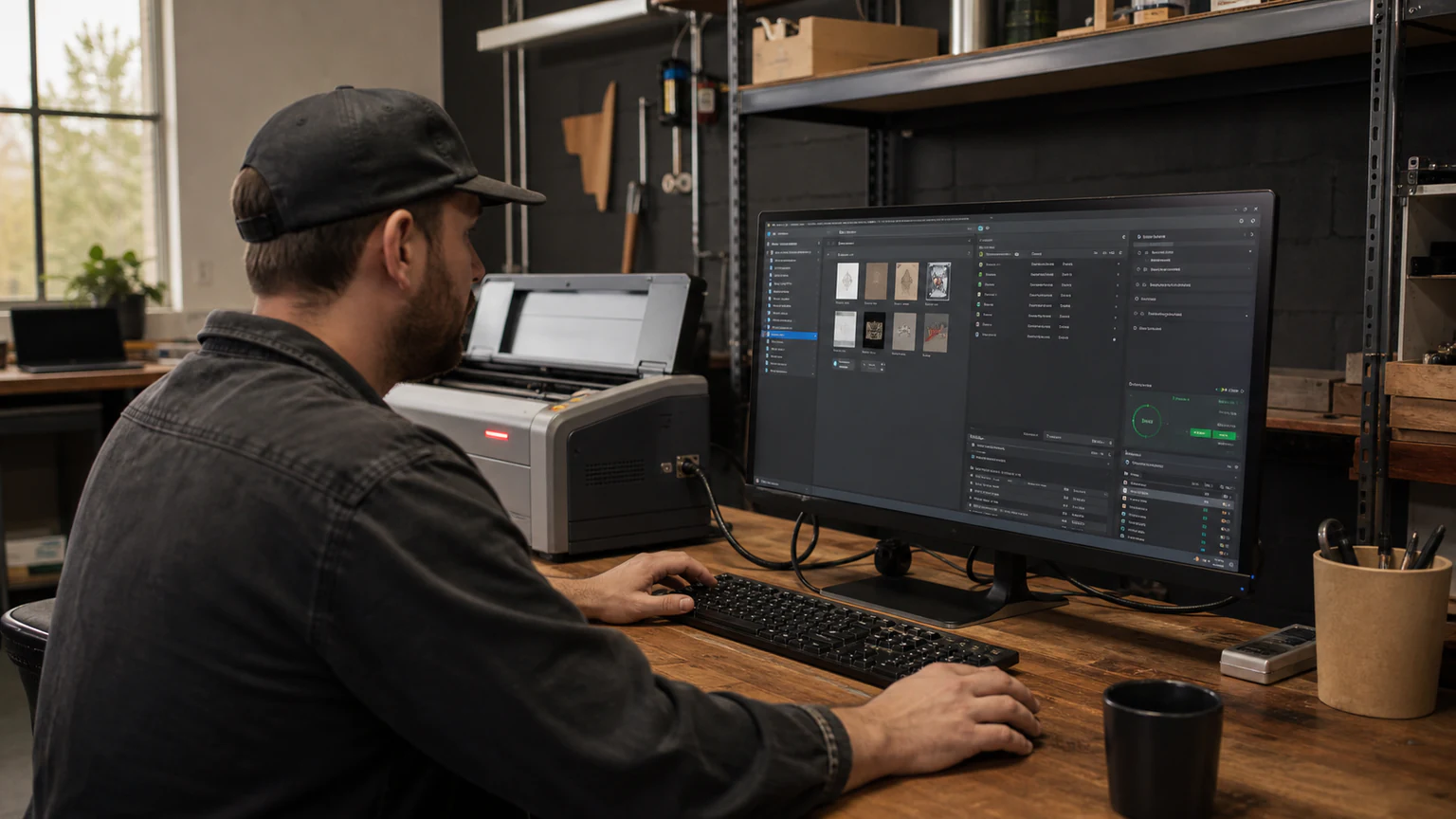
A straightforward path from scope to launch.
We confirm desktop is genuinely the right surface and list exactly what the app must reach on the machine. If a web app would serve you better, we say so before you spend anything.
Desktop tools get opened all day, every day, so we design for repetition: fewer clicks, keyboard shortcuts, and an interface that stays out of the way.
We build for the accepted platforms, prepare the approved packaging and signing path, and test the immutable candidate against the compatibility matrix before release approval.
A qualified operator releases only through the approved delivery channel. Ongoing fixes, update operation, and new capabilities follow a separately accepted support plan or change order.
 SupabaseBackend & APIs
 RedisDatabase & storage
 GitHubSource & CI/CDTypeScriptLanguage & toolingNode.jsBackend & APIsPostgreSQLDatabase & storageSupabaseBackend & APIsRedisDatabase & storageGitHubSource & CI/CDTypeScriptLanguage & toolingNode.jsBackend & APIsPostgreSQLDatabase & storageSupabaseBackend & APIsRedisDatabase & storageGitHubSource & CI/CDTypeScriptLanguage & toolingNode.jsBackend & APIsPostgreSQLDatabase & storageSupabaseBackend & APIsRedisDatabase & storageGitHubSource & CI/CD
These are common implementation options, not project requirements. See everything we deliver
Website maintenance in progress · Check back September 1
Website maintenance in progress — Please check back September 1 for the full release.
Loading this page. This should only take a moment.
The quote names supported operating systems, local capabilities, signing, installation, updates, rollout, monitoring, and maintenance.
The quote names supported operating systems, local capabilities, signing, installation, updates, rollout, monitoring, and maintenance.
A straightforward path from scope to launch.
We confirm desktop is genuinely the right surface and list exactly what the app must reach on the machine. If a web app would serve you better, we say so before you spend anything.
Desktop tools get opened all day, every day, so we design for repetition: fewer clicks, keyboard shortcuts, and an interface that stays out of the way.
We build for the accepted platforms, prepare the approved packaging and signing path, and test the immutable candidate against the compatibility matrix before release approval.
A qualified operator releases only through the approved delivery channel. Ongoing fixes, update operation, and new capabilities follow a separately accepted support plan or change order.
Recommended stack
Desktop builds use a signed cross-platform shell with TypeScript and Node for local workflows. Postgres, managed data services, and queues appear only when the application needs accounts, synchronization, or centrally managed updates.
TypeScriptLanguage & toolingNode.jsBackend & APIsPostgreSQLDatabase & storageSupabaseBackend & APIsRedisDatabase & storageGitHubSource & CI/CDTypeScriptLanguage & toolingNode.jsBackend & APIsPostgreSQLDatabase & storageSupabaseBackend & APIsRedisDatabase & storageGitHubSource & CI/CDTypeScriptLanguage & toolingNode.jsBackend & APIsPostgreSQLDatabase & storageSupabaseBackend & APIsRedisDatabase & storageGitHubSource & CI/CDTypeScriptLanguage & toolingNode.jsBackend & APIsPostgreSQLDatabase & storageSupabaseBackend & APIsRedisDatabase & storageGitHubSource & CI/CDThese are common implementation options, not project requirements. See everything we deliver
Desktop scope depends on the workflow, operating systems, local access, signing, updates, and rollout. We quote the approved work instead of publishing a generic starting price.
How pricing works
We can recommend a smaller web or mobile-friendly solution when it solves the problem better. If a full desktop app is justified, the quote separates the build, third-party account fees, and ongoing care so nothing is buried.
Plan my desktop app
Choose the workflow and operating scale first. Custom logic, integrations, permissions, and risk are confirmed in a written scope.
Answer three quick questions. Nothing is added until you choose.
Plan my desktop app
Choose the workflow and operating scale first. Custom logic, integrations, permissions, and risk are confirmed in a written scope.
Answer three quick questions. Nothing is added until you choose.
Quick fit guide
0 of 2 answered
2 quick questions to point you to the right option.
Choose the outcome or need first to receive a recommendation.
Choose the first planning step above. The recommendation and pricing explanation will update here—nothing is added to your estimate automatically.
Scope the desktop need
We confirm desktop is genuinely the right surface and list exactly what the app must reach on the machine. If a web app would serve you better, we say so before you spend anything.
Design for daily use
Desktop tools get opened all day, every day, so we design for repetition: fewer clicks, keyboard shortcuts, and an interface that stays out of the way.
Build, sign, and test
We build for the accepted platforms, prepare the approved packaging and signing path, and test the immutable candidate against the compatibility matrix before release approval.
Release and hand off
A qualified operator releases only through the approved delivery channel. Ongoing fixes, update operation, and new capabilities follow a separately accepted support plan or change order.
See relevant work before you decide
Review case studies and delivery examples related to Desktop App Development.
See delivery evidencePlan identity and protection with the build
Permissions, data, and recovery controls are architectural decisions, not finishing touches.
Review this additionStill weighing a detail?
Ask a specific question without losing the service, pricing, or recommendation context you selected above.
Because some work needs the machine: big local files, offline reliability, connected hardware, or a tool that lives in the system tray all day. When a web app would serve you better — and often it would — we tell you and quote that instead.
Desktop scope depends on the workflow, operating systems, local access, signing, updates, and rollout. We quote the approved work instead of publishing a generic starting price.
How pricing works
We can recommend a smaller web or mobile-friendly solution when it solves the problem better. If a full desktop app is justified, the quote separates the build, third-party account fees, and ongoing care so nothing is buried.
Plan my desktop app
Choose the workflow and operating scale first. Custom logic, integrations, permissions, and risk are confirmed in a written scope.
Answer three quick questions. Nothing is added until you choose.
Plan my desktop app
Choose the workflow and operating scale first. Custom logic, integrations, permissions, and risk are confirmed in a written scope.
Answer three quick questions. Nothing is added until you choose.
Quick fit guide
0 of 2 answered
2 quick questions to point you to the right option.
Choose the outcome or need first to receive a recommendation.
Choose the first planning step above. The recommendation and pricing explanation will update here—nothing is added to your estimate automatically.
Scope the desktop need
We confirm desktop is genuinely the right surface and list exactly what the app must reach on the machine. If a web app would serve you better, we say so before you spend anything.
Design for daily use
Desktop tools get opened all day, every day, so we design for repetition: fewer clicks, keyboard shortcuts, and an interface that stays out of the way.
Build, sign, and test
We build for the accepted platforms, prepare the approved packaging and signing path, and test the immutable candidate against the compatibility matrix before release approval.
Release and hand off
A qualified operator releases only through the approved delivery channel. Ongoing fixes, update operation, and new capabilities follow a separately accepted support plan or change order.
See relevant work before you decide
Review case studies and delivery examples related to Desktop App Development.
See delivery evidencePlan identity and protection with the build
Permissions, data, and recovery controls are architectural decisions, not finishing touches.
Review this additionStill weighing a detail?
Ask a specific question without losing the service, pricing, or recommendation context you selected above.
Because some work needs the machine: big local files, offline reliability, connected hardware, or a tool that lives in the system tray all day. When a web app would serve you better — and often it would — we tell you and quote that instead.